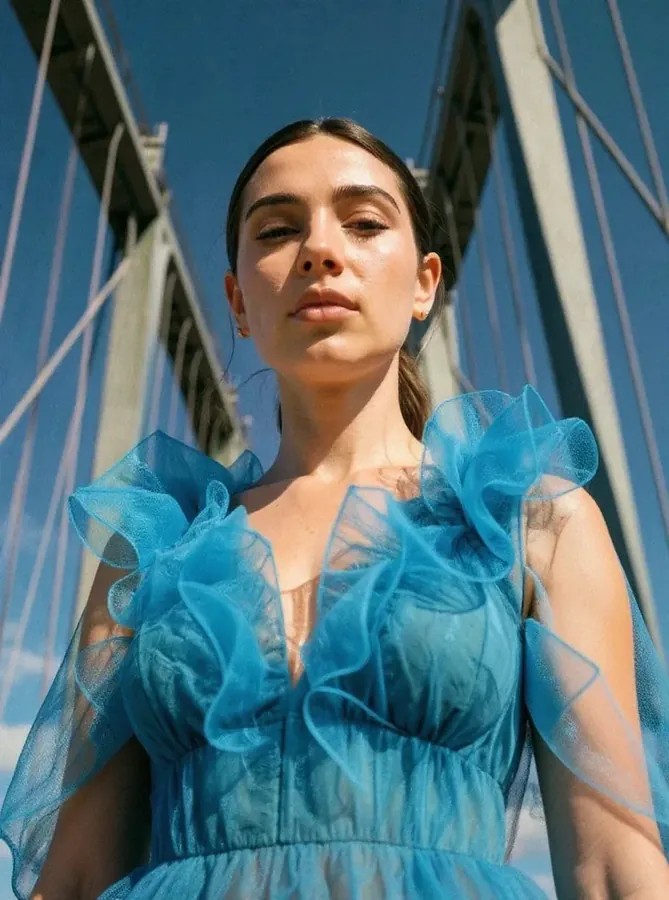
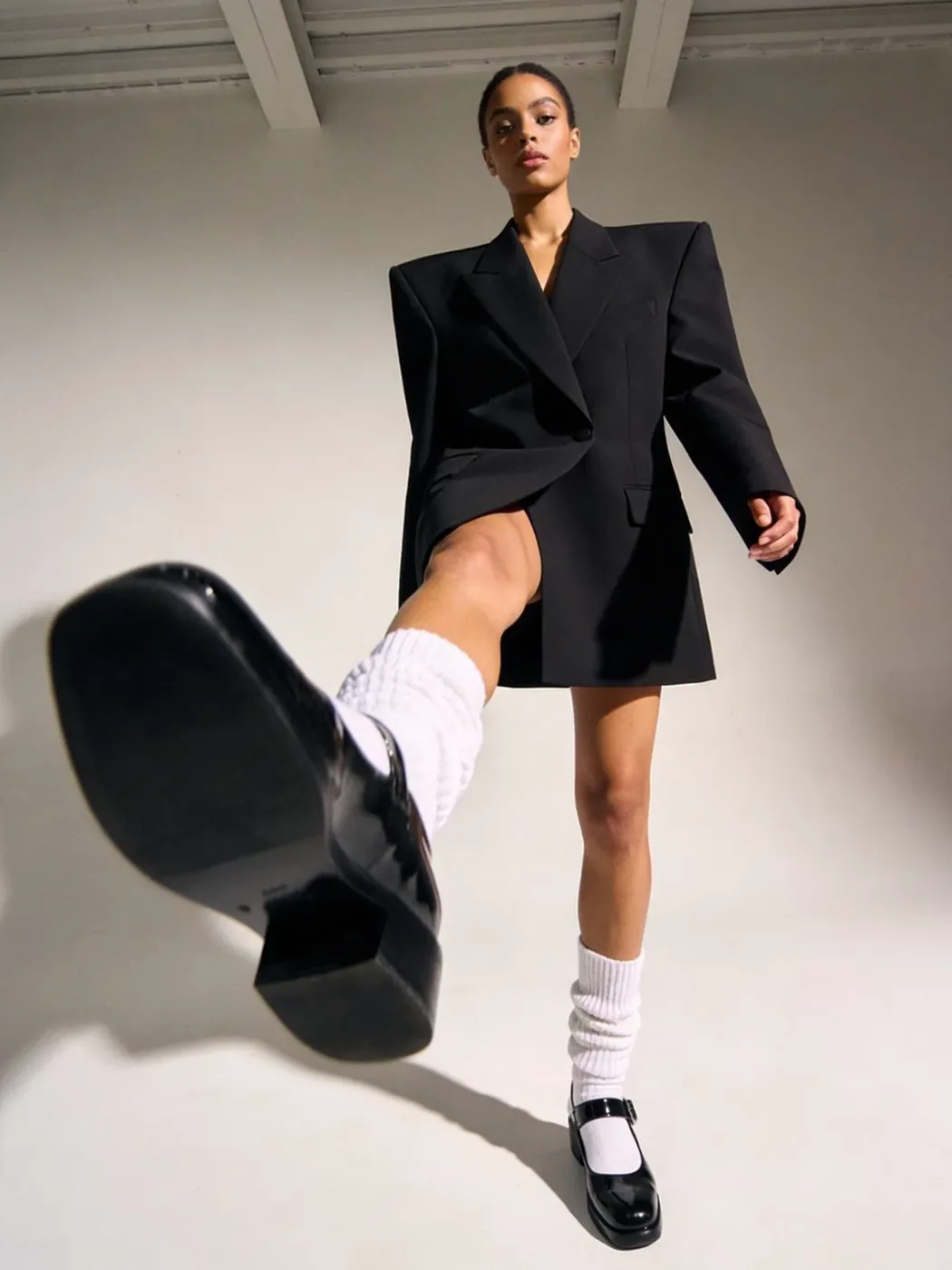
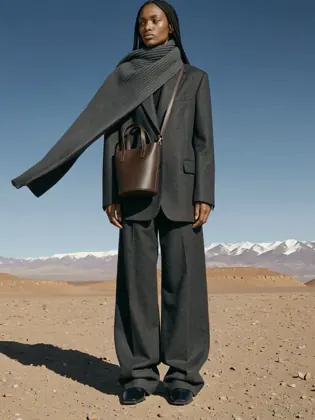
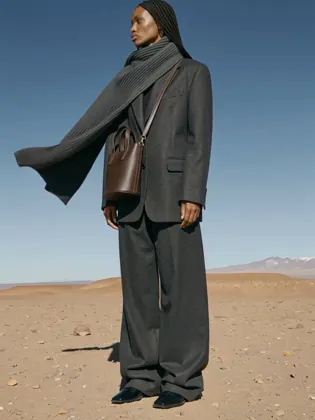
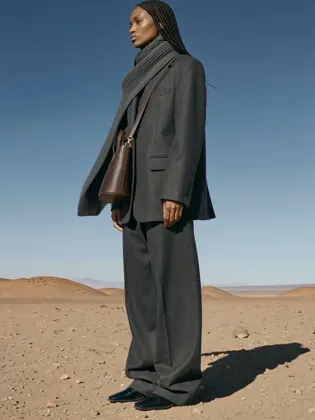
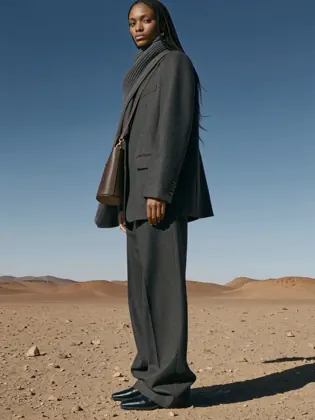
ALPHA — In active development, features and models are not final. All people, images and clips shown are AI-generated.
Alpha Test · FLUX.3 · Kling 4.0 ALPHA

VISIONPROMPT.STUDIO

Compose Visually.
Generate Directly.

Direction, not chance.

We're building a system to understand and control how AI visuals are created — from camera and light logic to structured prompts and reproducible results.
Not another generator. A production system.

Scroll to explore
SEEDANCE 2.5 KLING 4.0 NEW VEO 3.1 GPT IMAGE 2.5 NEW FLUX.3 NEW NANO BANANA 2.1 SEEDANCE 2.5 KLING 4.0 NEW VEO 3.1 GPT IMAGE 2.5 NEW FLUX.3 NEW NANO BANANA 2.1 SEEDANCE 2.5 KLING 4.0 NEW VEO 3.1 GPT IMAGE 2.5 NEW FLUX.3 NEW NANO BANANA 2.1 SEEDANCE 2.5 KLING 4.0 NEW VEO 3.1 GPT IMAGE 2.5 NEW FLUX.3 NEW NANO BANANA 2.1
NEW

Just landed in the studio.

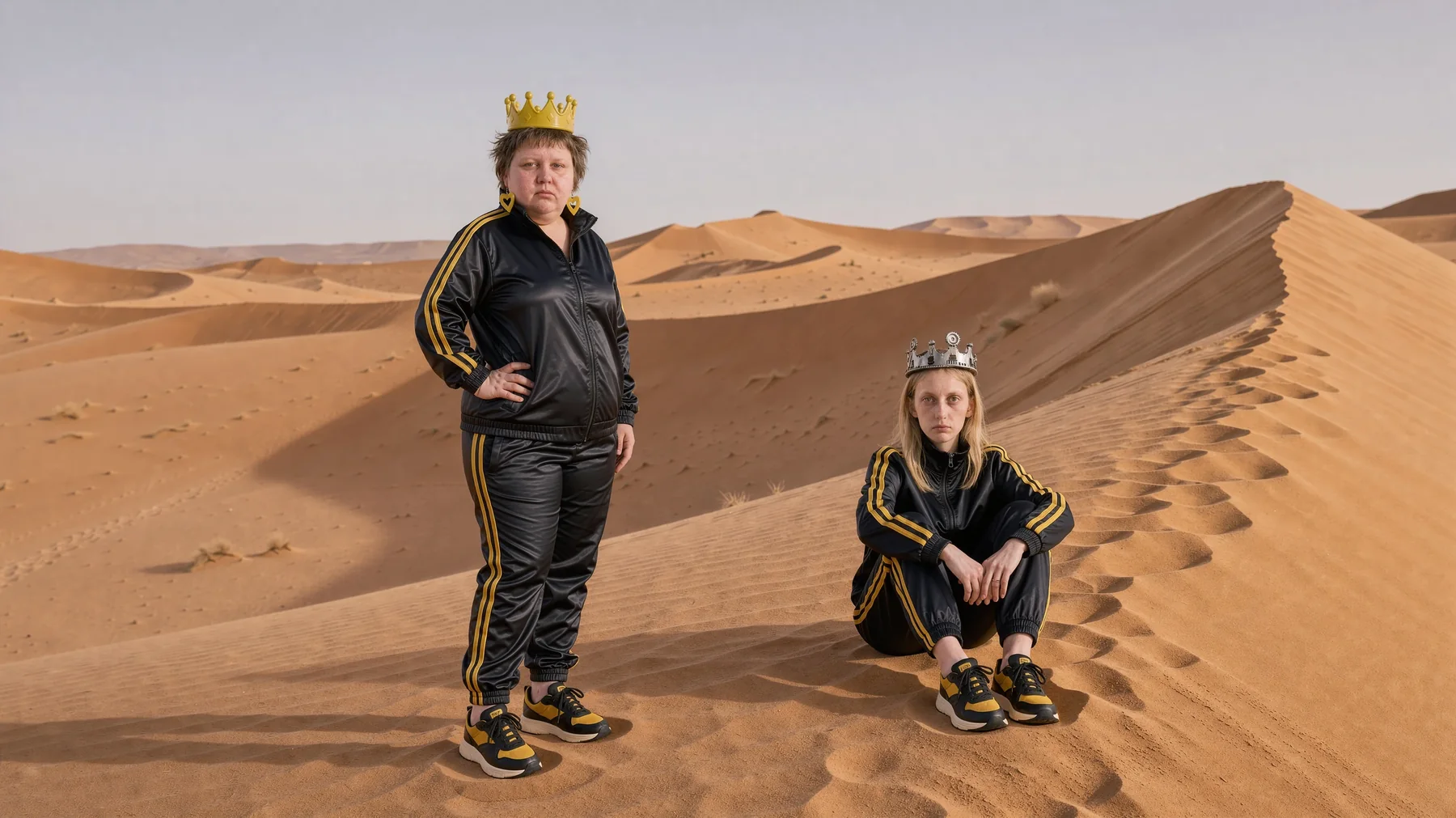
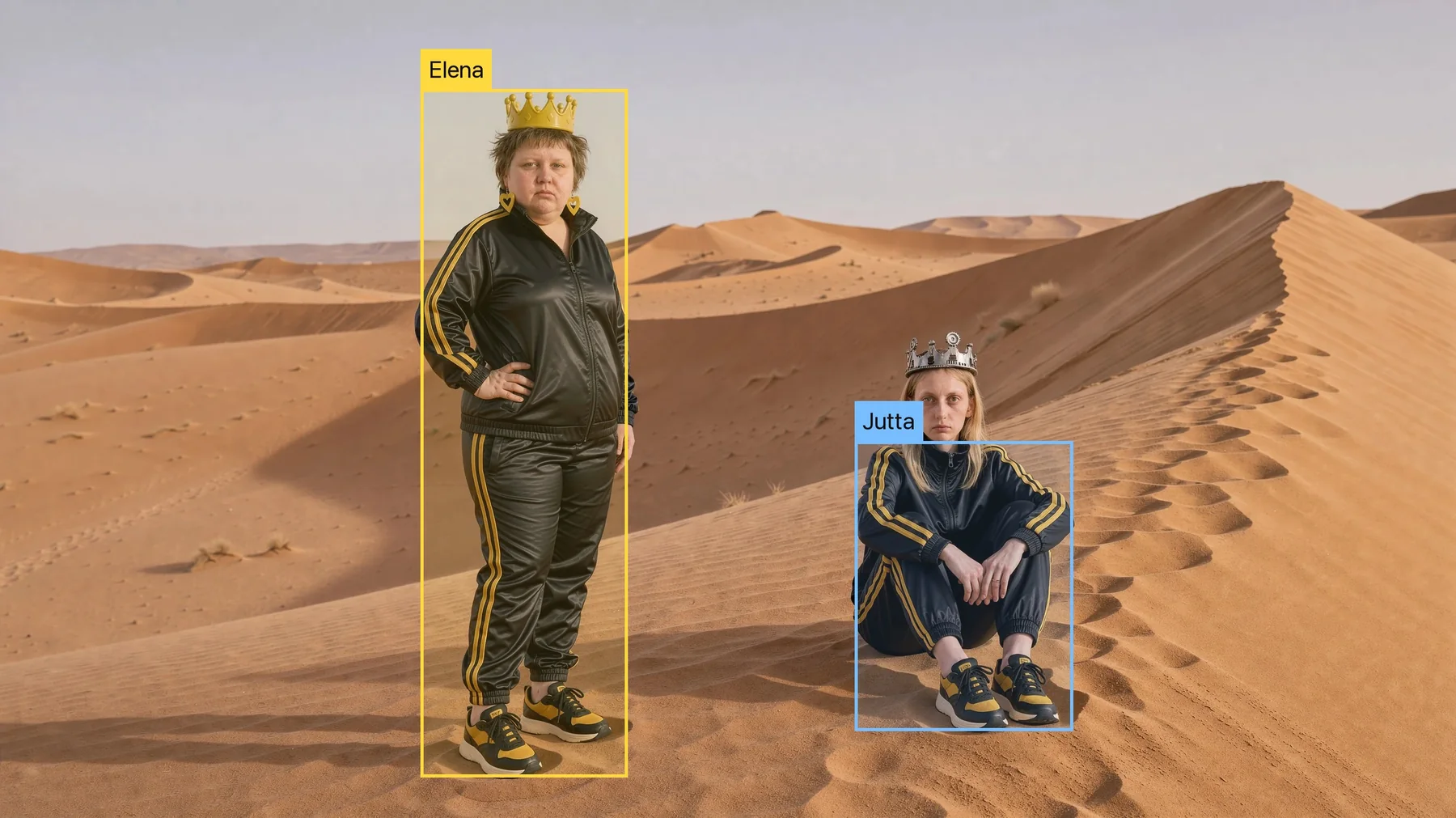
Two cast members in the desert with labeled layout boxes The finished image with both cast members near where the boxes were set Layout Boxes Result
FLUX.3 Layout Boxes

All in a Box.

Place every person in the frame. A visible box guides FLUX.3 on position and size, for up to ten people in one image.

Kling 4.0

From still to motion.

Kling 4.0 is in the studio. Take a finished shot and turn it into a moving one, without leaving your scene.

One Look. Every Shot.

Built for campaigns — the same people, outfits and light across every shot, model and format.

01

Cast the Campaign

Build your cast once — every shot draws on it.

  • Setcards for each person
  • Outfits from your wardrobe
  • One location for the whole set
02

Lock the Look

Fix what has to stay the same, change only the rest.

  • Camera, lens and light
  • Identity and outfit locks
  • Style and color mood
03

Produce Every Shot

Turn one setup into a full campaign.

  • New angles in 3D
  • Images and video clips
  • Any model — same look

The result: a campaign that looks like one shoot — not twenty separate generations.

Chapter 01 — Compose

Direction,
not chance.

Decide, don't describe.

Camera, light and cast are choices you make, not words you hope for.

Series, not single hits.

The same people and looks carry a whole campaign.

One studio, not ten tools.

From the first composition to the final clip in one place.

CORE
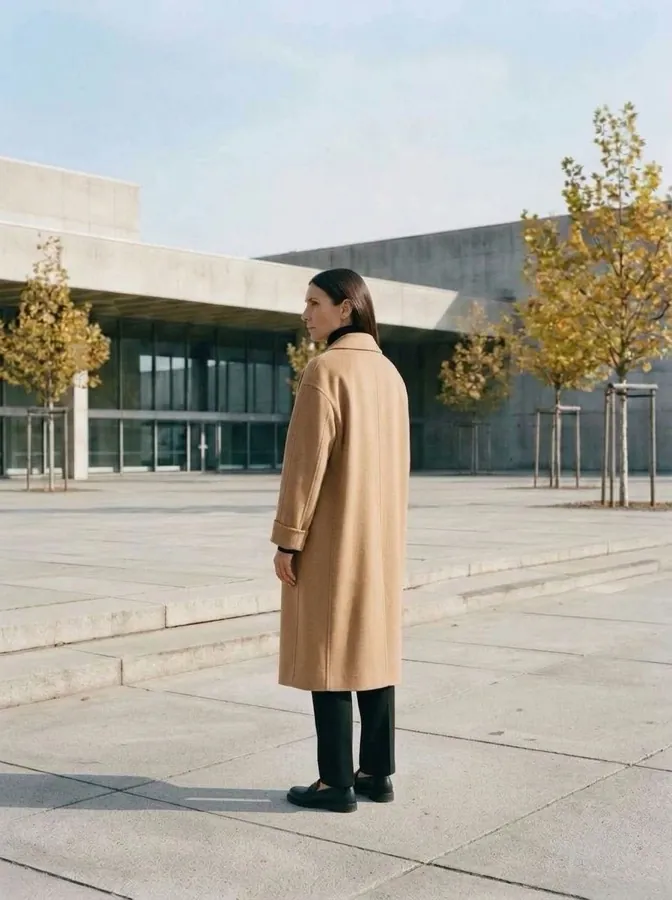
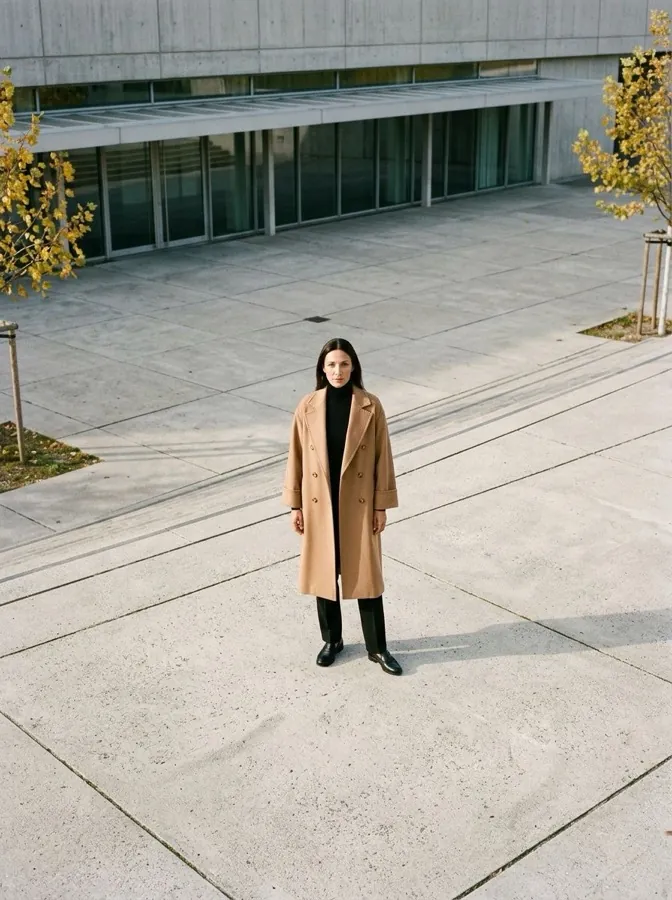
The same scene, 45° cameraThe same scene, Side cameraThe same scene, Back cameraThe same scene, Top camera
VIEW: 45° · 2.5D
01 /// CORE ENGINE

2.5D VISUAL
ADAPTER

One scene. Every angle.

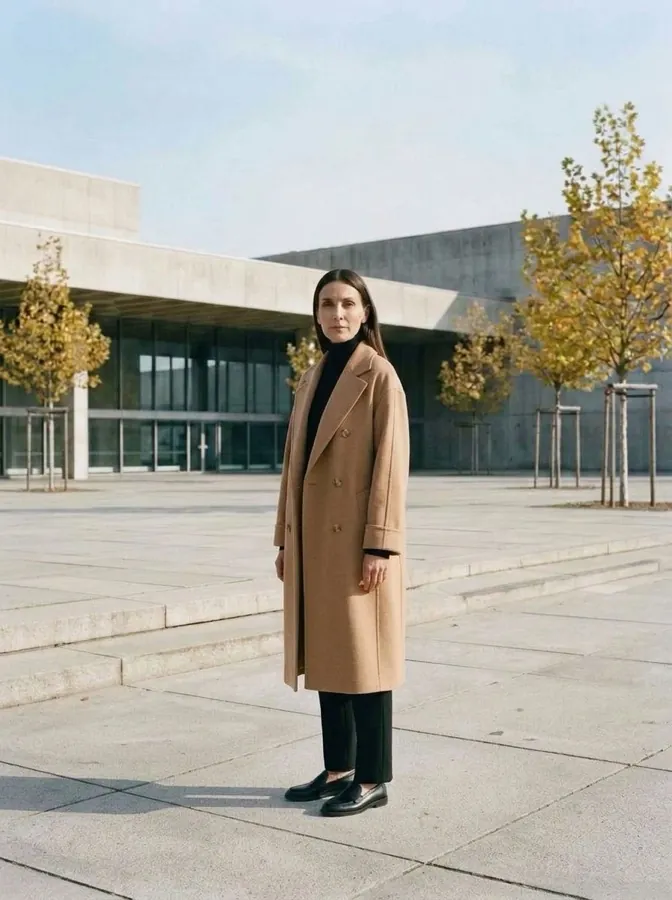
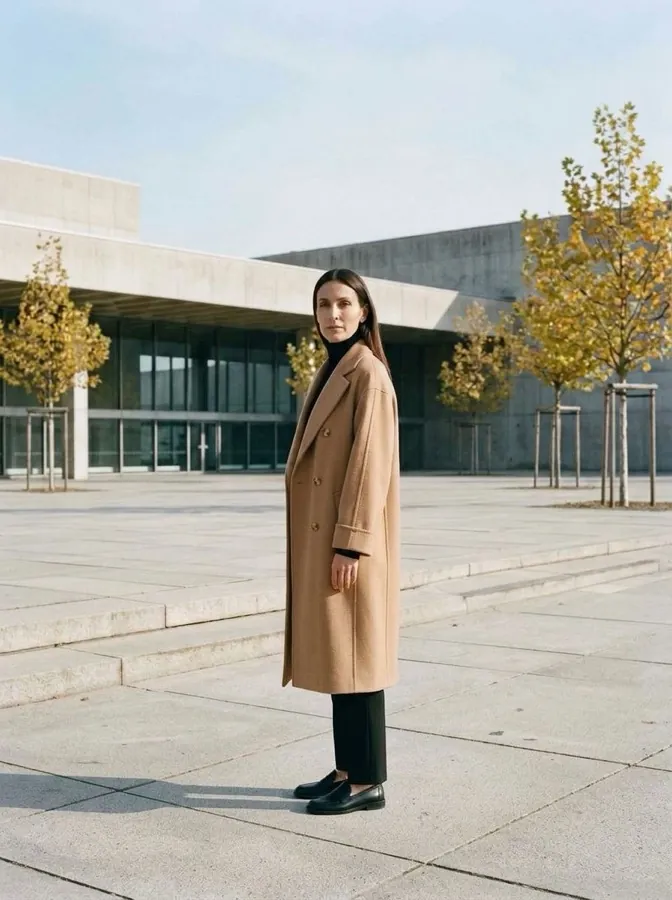
Camera, lens and light are objects you move on the 2.5D canvas. Set the angle you want and generate the same setup from there. One scene, written for every model.

  • Lens 14–200 mm with aperture
  • Key, Fill, Rim and Flash
  • Camera at 45°, side, back or top
  • Scene Status: every block of the shot at a glance
  • Locks for cast, outfit, location, optics or pose
  • FLUX.3 layout boxes for up to 10 people
COMPOSER PRO

Scene Composer

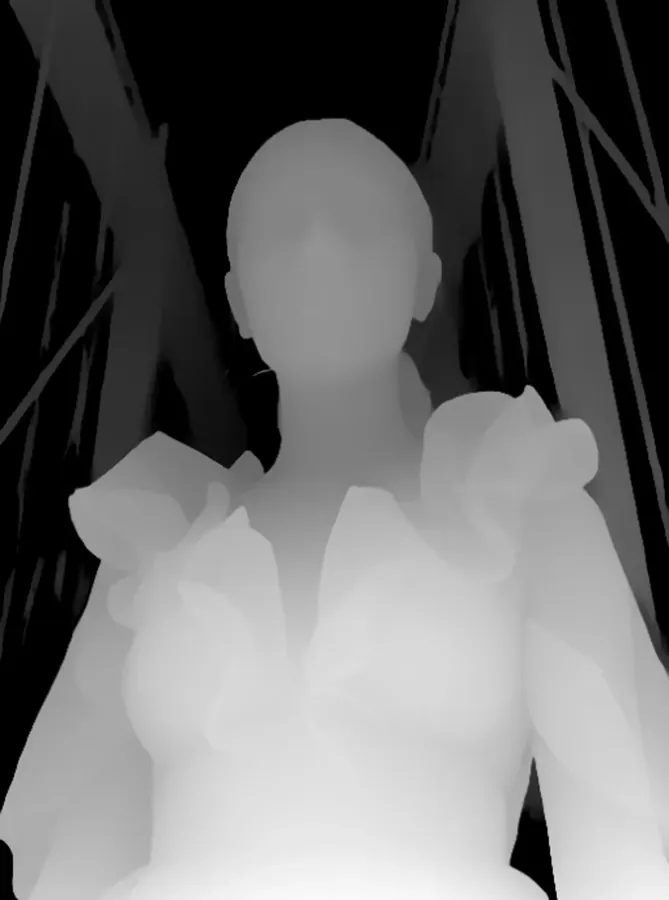
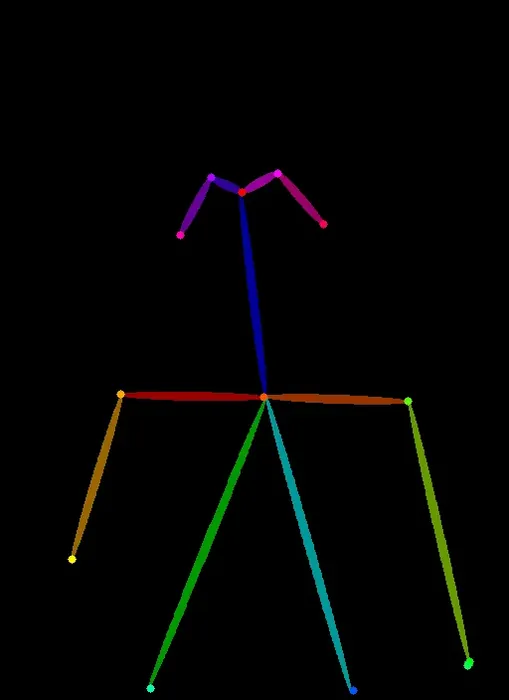
The control room of every shot. You direct, the agents prepare, the optimizer writes — and nothing runs without you seeing what it costs. Guide Maps from your own images steer the result.

Composer Write, ask or edit in one place — chat and @-commands
Agents Read references, put the camera into words, predict what a new angle reveals
Prompt Optimizer Refines the prompt for your selected model
Controlling Cost before you click; conflicts are named before anything is charged
Composer + Agents + Optimizer + Guide Maps = one controlled prompt per model
3:4 · Depth Map
Depth Map
Depth Map
01
3:4 · Pose Map
Pose Map
Pose Map
02
3:4 · Preview
Preview
Preview
03
3D
02 /// 3D VIEWPORT PRO

FULL 3D
VIEWPORT

Move the camera. The world moves with it.

Start from one image and choose new perspectives in a full 3D viewport. As the camera moves, the background changes with it, so every angle is a new shot.

  • Full 3D scene with 360° orbit
  • Multi-angle render
  • Every accepted view stays in the scene as its own plate
  • 2.5D / 3D switch
  • Front, side and back snap
  • Camera presets
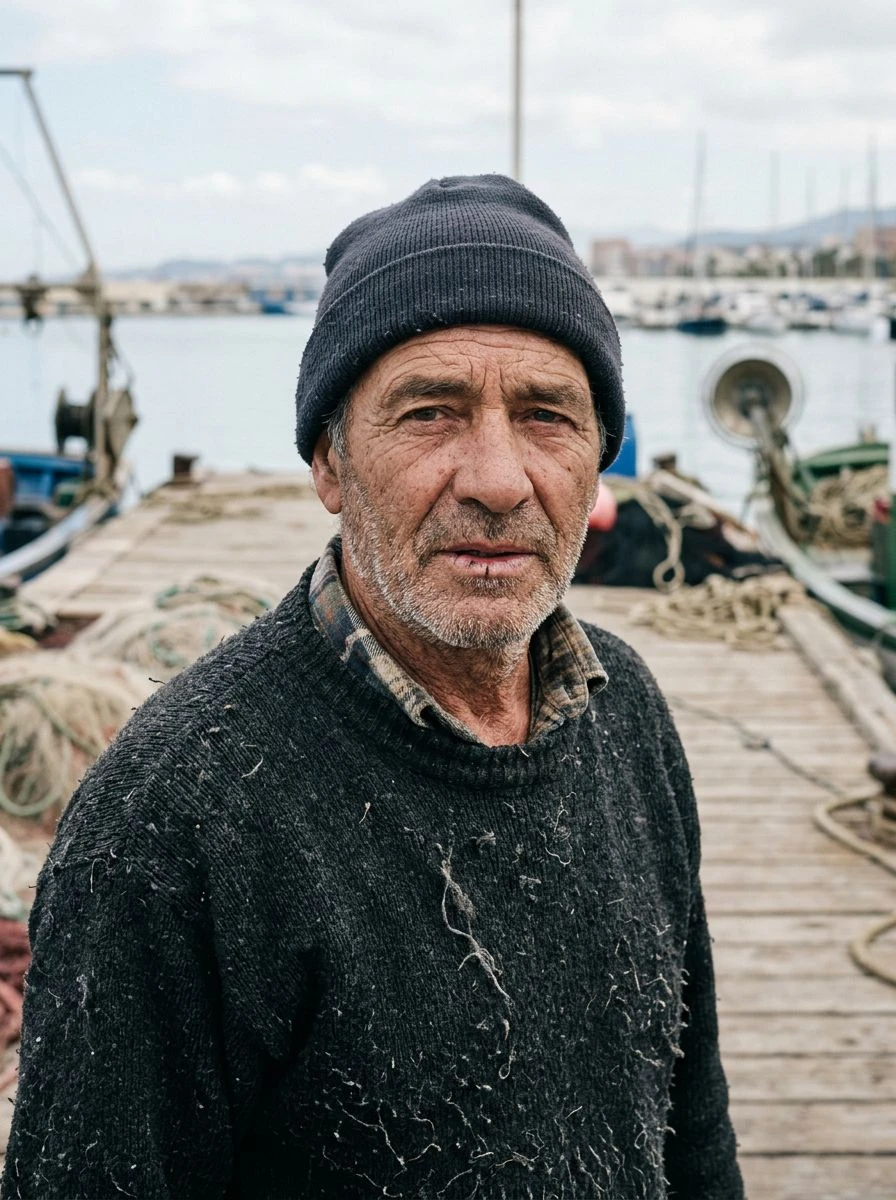
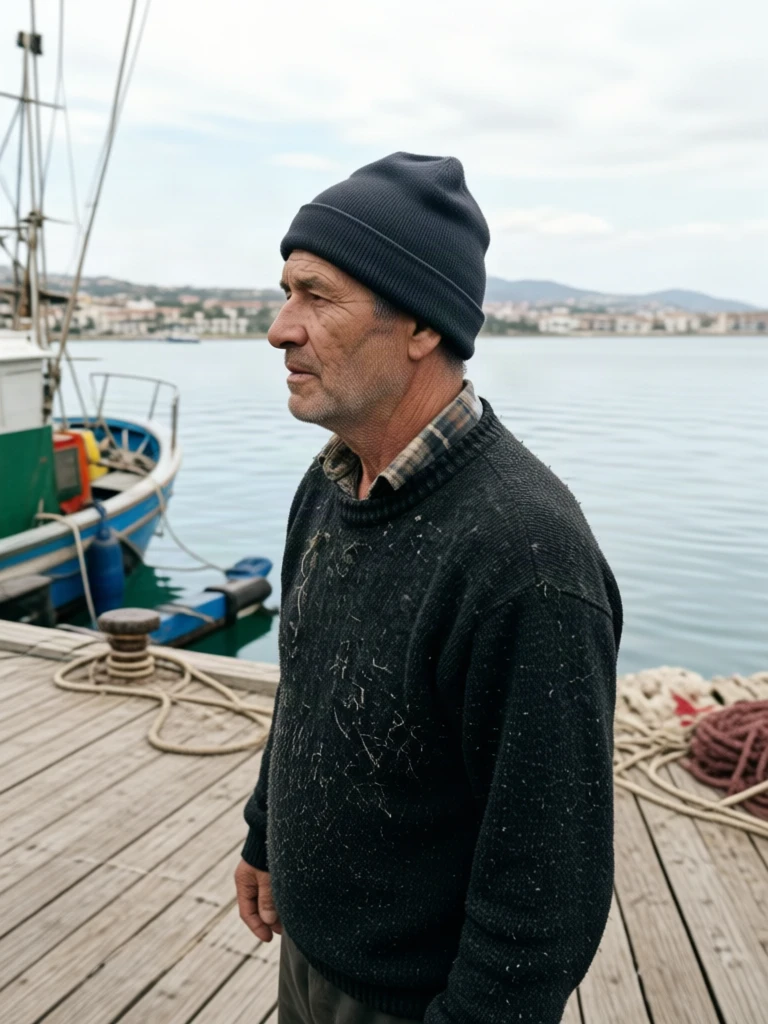
FRONTBACKRIGHTLEFTTOPBOTTOMA plate in the 3D cube: a fisherman on a wooden pier, camera in frontA second plate at a right angle: the same fisherman from the side, with open water in the background

Chapter 02 — Cast

Your people.
Your world.

Build a cast, dress it and place it once. Every shot after that starts from the same people.

03 /// CAST SYSTEM

CAST, OUTFIT & LOCATION

Define once. Reuse in every shot and every model.

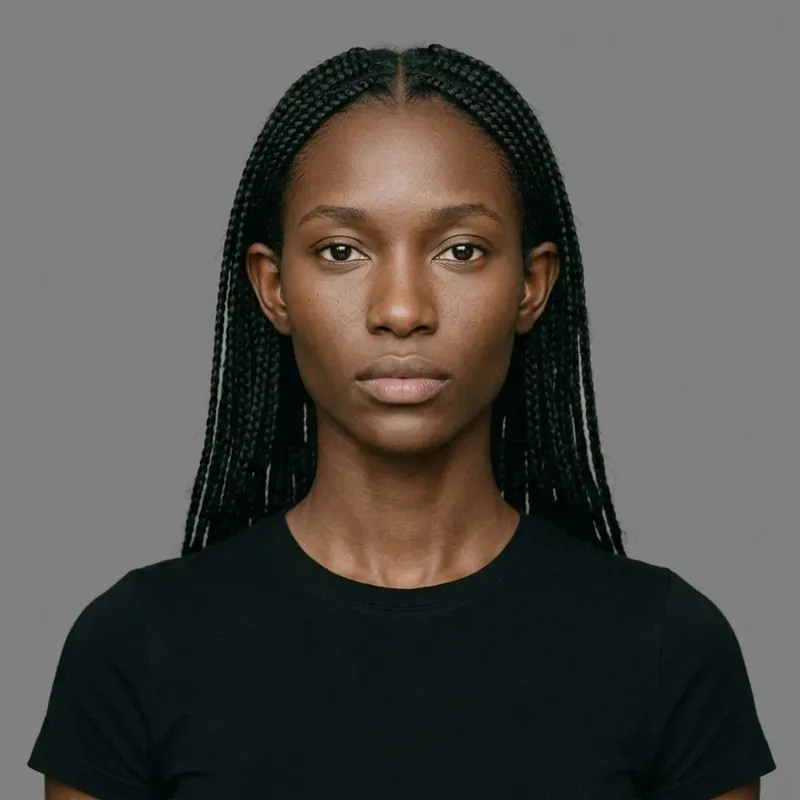
Setcard portrait of a cast member

SETCARD

Your people — recognizable in every shot.

  • From a casting brief or photos
  • Reference turnaround
  • Identity lock
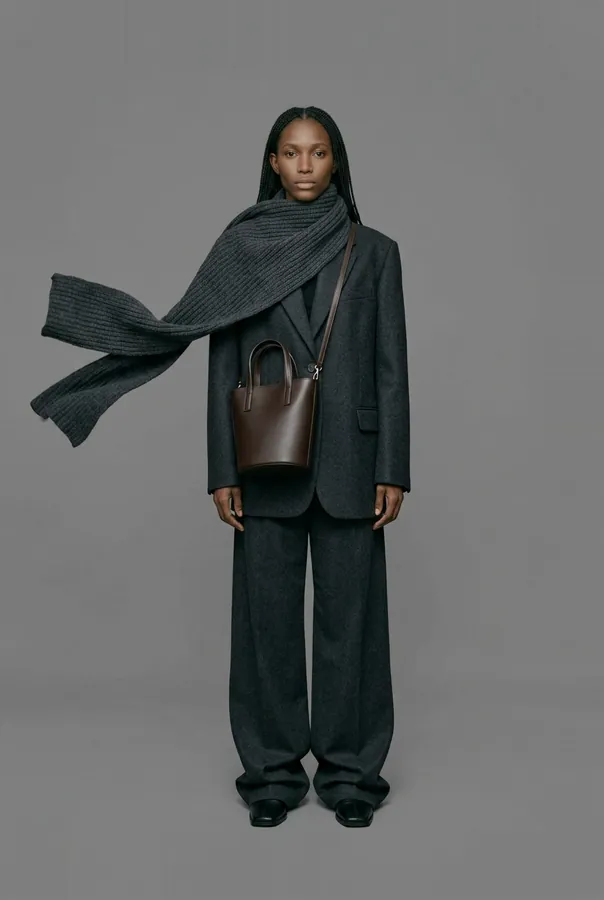
The same cast member in a styled look

OUTFIT

Looks you assign per person and scene.

  • Wardrobe of looks
  • Read from reference photos
  • Outfit lock
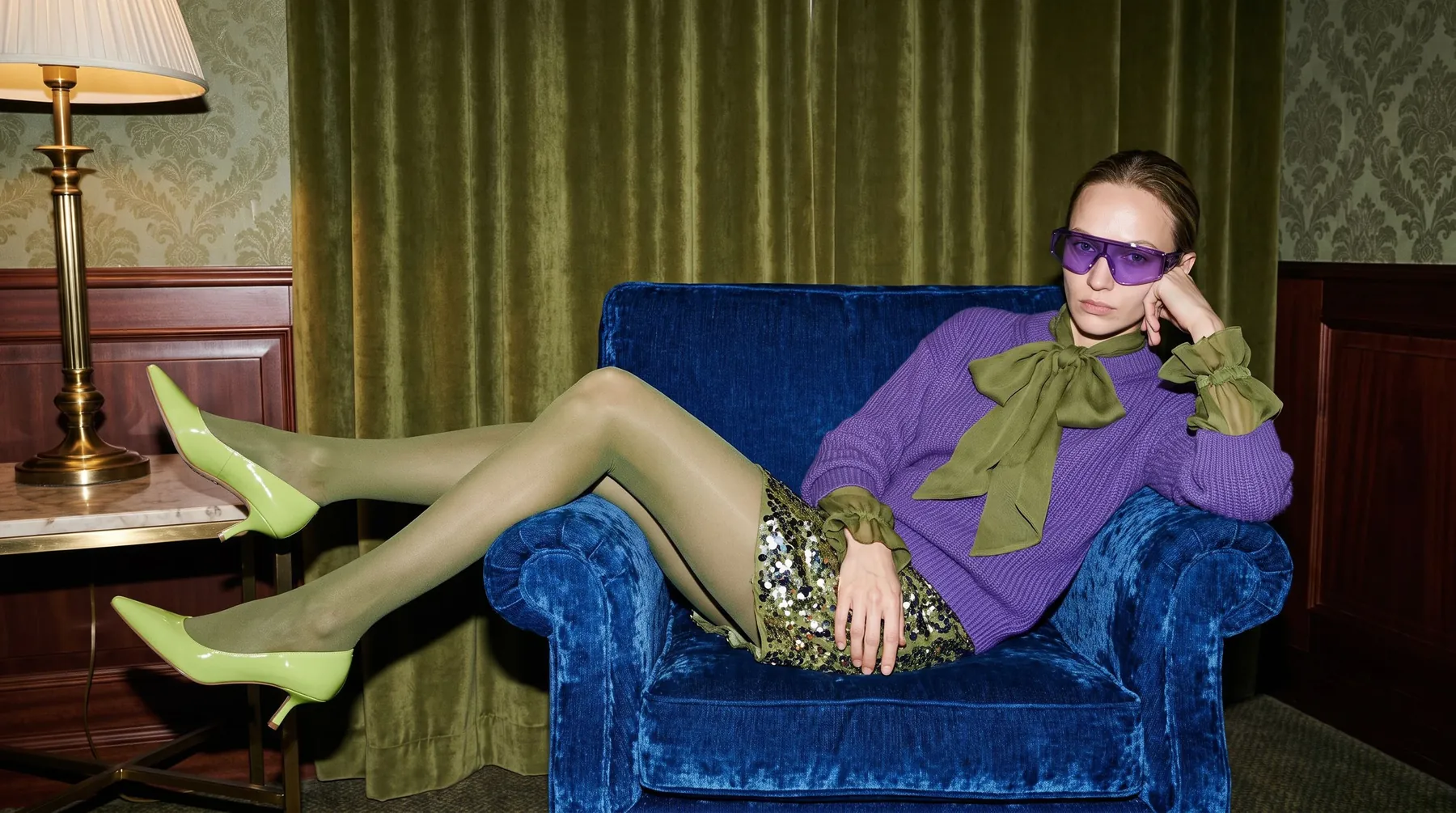
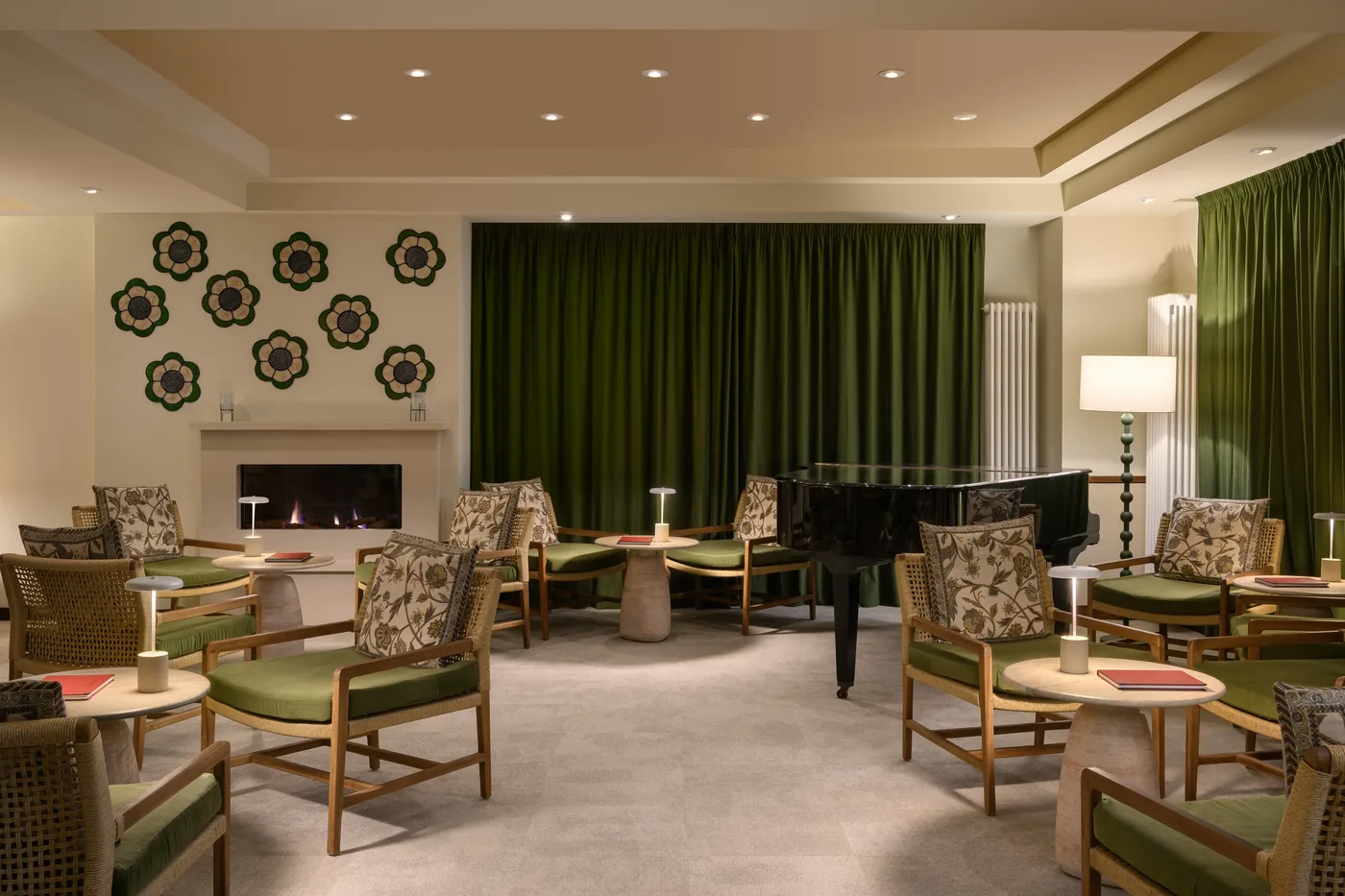
A reusable hotel lounge location

LOCATION

The same place, every time.

  • Reference images
  • Location archetypes
  • Setting lock
04 /// POSE EDITOR PRO

POSE IT.
DON'T DESCRIBE IT.

Start from a photo, a preset or your own hands on the figure. You decide how much you set yourself.

  • From a photo: pose detection runs locally in your browser
  • Presets as a quick start, without moving your figure in the scene
  • Drag hands, feet and head right on the figure
  • Move and turn the figure, undo any step
  • Save your own poses for the next shot
A model in an embellished beige top and trousers against a white studio wall
DNA
05 /// PRODUCTION MEMORY

PROMPT DNA
& PROJECTS

Every result keeps its DNA — the full recipe behind it. Come back weeks later, restore any version and keep producing in the same look.

  • Prompt DNA: a versioned recipe for every result
  • Restore any version of a shot
  • Projects with shots, versions and pinned results
  • Lock cast, outfits and locations for a campaign

Chapter 03 — Finish

Don't just generate.
Finish.

Change the light, edit by chat or find a new angle, right next to the original.

06 /// POST-PRODUCTION

PHOTO
EDITING.

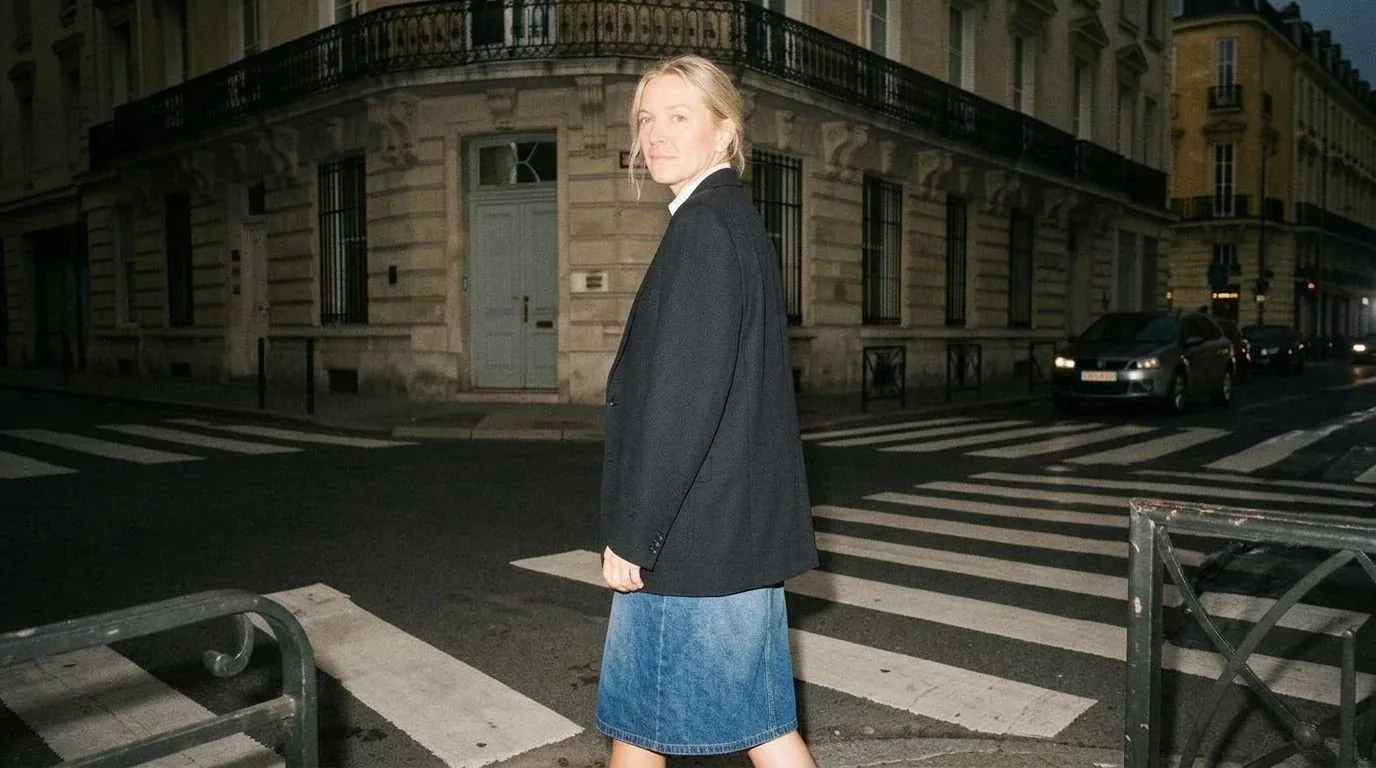
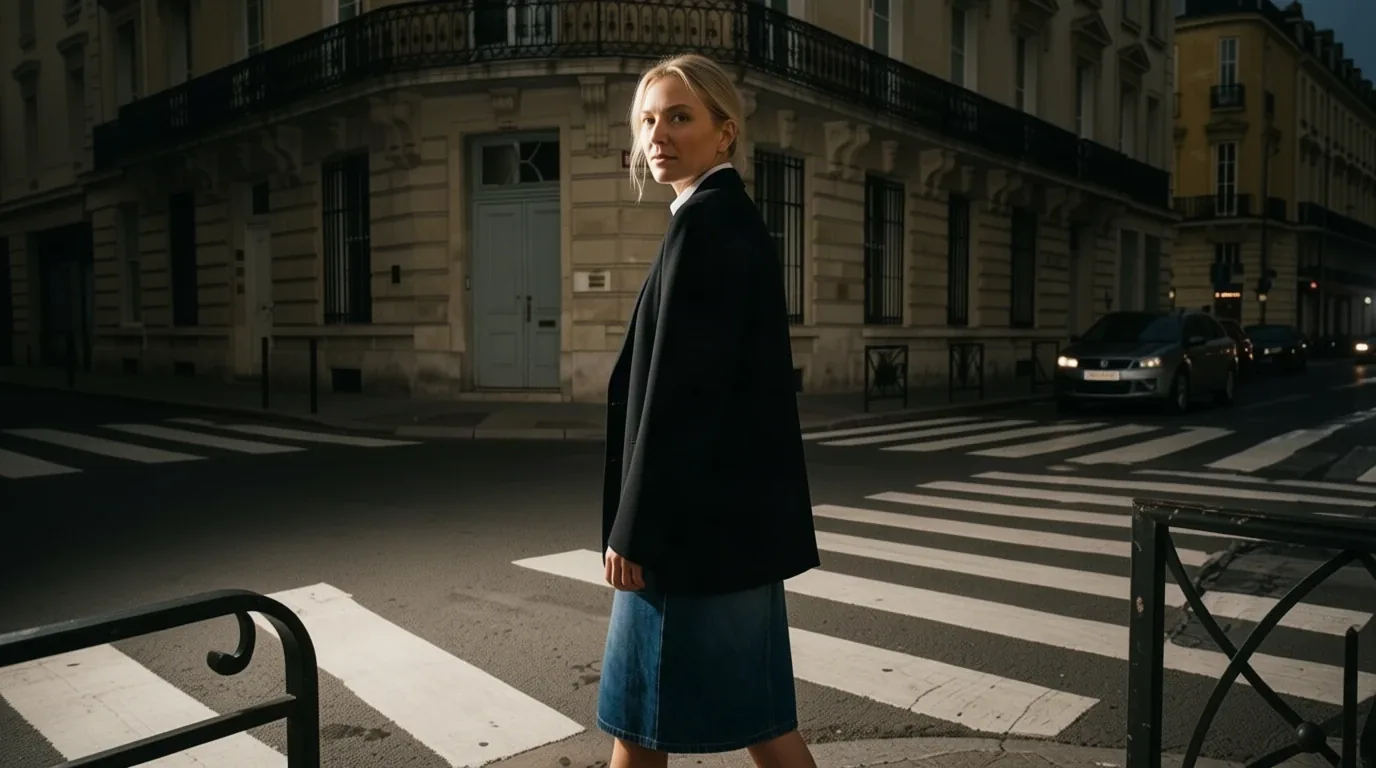
Don't just generate. Finish. Describe a change in chat, and the result opens next to the original in the viewport — compare, accept or go back. The paid result is never thrown away.

  • Chat Edits with Side-by-Side Review
  • PRO Relight: move a light on a finished image
  • Precise Edits: FLUX.3 Edit, GPT Image 2.5, Nano Banana 2.1
  • Upscale up to 4×
Street editorial in Paris, original light The same image with new light Original Relight
SCENE_01
ACTION_TRIGGER
EXPORT_VIDEO
SCENE_02
07 /// STORY ENGINE

STORY

Multi-scene story creation for AI video generation.
From versioned storyboards to Seedance 2.5, Kling 4.0 and Veo 3.1.

LATEST ADDED MODELS

Current Models.
One Control Layer.

Veo 3.1 Video · Cinematic · 1080p
VIDEO
FLUX.3 Native 4K · Layout & Text · 10 References
NEW
Nano Banana 2.1 Image Generation & Editing
IMAGE

40+ AI Models
Image & Video Generation
One Scene Every Model's Dialect
New models land as they release. Your scene, cast and locks carry over — only the prompt dialect changes.

Everything in One Studio.

One core studio, plus a full production toolkit.

Core Studio

2.5D Visual Adapter

Camera, lens and light as objects — one scene for every model.

Setcard · Outfit · Location

Your cast, their looks and places — defined once, reused everywhere.

AI Image Generation

From fast drafts to high-end image models.

Prompt DNA & Projects

Every result keeps its recipe — restore any version.

Cloud Gallery

Every image and clip stored and organized.

PRO Production Toolkit

3D Viewport

Orbit the scene and render any angle.

Pose Editor

Take a pose from a photo and use it in your scene.

Relight

Move the light on a finished image, keep the composition.

Full Editor

Chat edits, masks and precise local edits.

Upscaling

Up to 4× for print, plus video upscaling.

Video & Story

Kling 4.0, Seedance 2.5 and Veo 3.1 — scene by scene.

Scene Composer Agents

Agents, prompt optimizer and cost control in one place.

Guide Maps

Depth, pose and edges from your images steer the result.

What Each Part Does

A character record with identity, age range, body, face and a reference turnaround. Use it in any scene; its references keep the person recognizable.

Your wardrobe. Build looks from garments and assign one look per person and scene.

The location and surroundings of a scene, reusable across shots.

Where you compose: camera, lens, lights and people as movable objects. The 3D mode orbits the scene to render new angles.

Locks freeze parts of a scene, so a new take only changes what you allow.

Depth, pose, edge and segmentation maps extracted from an image. Pinned maps steer the next generation on models that support them.

The Composer is where you write, ask or edit with support from agents.

Prompt DNA is the versioned recipe behind every result. Projects group shots, versions and pinned results, so a campaign can be restored and continued later.

Post-production on finished images: move the light, make local edits by chat or mask, and upscale for print.

Multi-scene projects with versioned storyboards that hand each scene to the video model that fits it.

THE ORIGIN

Born in the Lab.
Built from Scratch.

VisionPrompt Studio comes from a production perspective.

AI tools today are powerful. They generate strong visuals and open new possibilities. What we focus on is how these visuals can be controlled, structured and used across real workflows.

Our background is in post-production, film and creative work — environments where details like lighting, composition and consistency matter. That mindset shapes how we approach AI.

VisionPrompt Studio is built around that idea. It connects camera logic, lighting structure and prompt design into a system that makes results more consistent and easier to work with.

The focus is simple: make AI outputs not only look good, but actually work in production.
Custom Backend Modular Frontend Multi-Provider API
STUDIO.FABIANBOLLIG BERLIN Research · Development · Production studio.fabianbollig.com
STUDIO LAB
VISION PROMPT STUDIO

Made in Berlin with LOVE 🇩🇪

Where Post-Production Meets AI Innovation

Beyond the Frame

Every image can be
the start of a story.

VisionPrompt Studio is in development and coming soon as a SaaS. The alpha is invitation-only, with no entitlement to access.